Keyboards
Mechanical and compact layouts for typing, coding, writing and gaming sessions that run late.
Modern Indian tech workspace
DeskMela brings focused computer desk accessories for Indian homes, studios and compact work corners. We choose mechanical keyboards, gaming mice, desk mats, laptop stands and monitor arms that feel useful from the first hour. Every product is presented with clear pricing, practical setup advice and simple language, so you can decide without scrolling through endless specs. Whether you work from Bengaluru, study in Pune, stream from Hyderabad or build a gaming desk in Delhi, the goal is the same: better posture, cleaner surfaces, faster control and a setup that looks calm after a long day. We also consider heat, dust, shared rooms and limited table depth. Search the latest products below and discover gear that fits your desk, budget and daily rhythm.
Shop by need
Start with the part of your setup that slows you down most. A better keyboard improves flow, a better mouse improves control, and a cleaner screen position changes the whole day.
Mechanical and compact layouts for typing, coding, writing and gaming sessions that run late.
Fast sensors, comfortable shapes and reliable switches for work, esports and daily browsing.
Large surfaces that protect the desk, improve mouse glide and visually tie your setup together.
Adjustable mounts and stands that raise screens, free desk space and reduce neck strain.
Fresh arrivals
Three practical upgrades for work-from-home desks, student rooms and gaming corners across India. Use the search above to filter this section instantly.
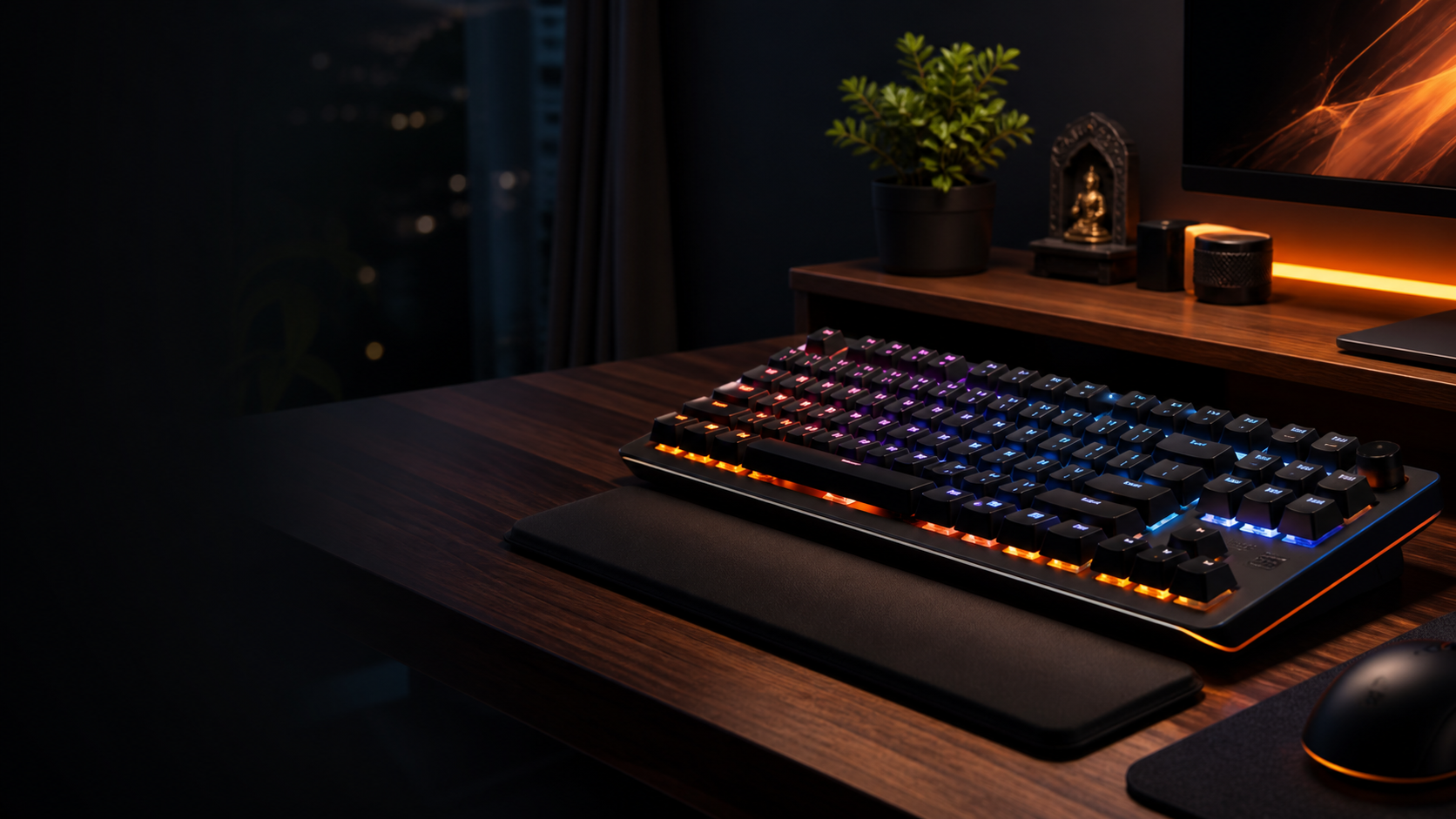
NewA sturdy compact keyboard with crisp switches, warm RGB, smooth stabilizers and a layout that leaves more room for mouse movement.
 Light
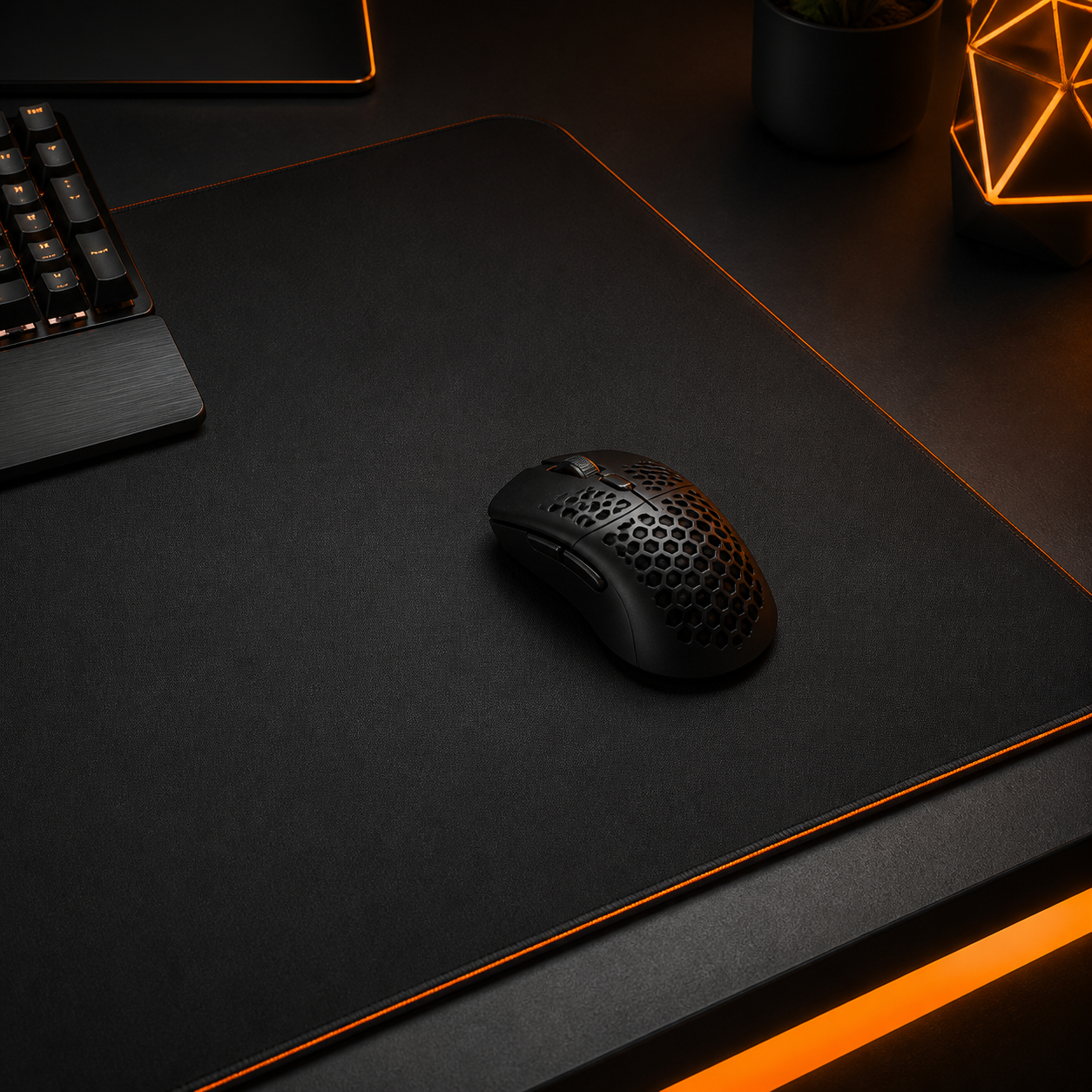
LightA lightweight mouse with a reliable sensor, grippy shell and quick response for office tasks, creative edits and evening matches.
A wide matte surface for keyboard, mouse and notebook, with stitched edges that resist fraying through daily use.
No products found. Try “Keyboard”, “Mouse” or “Mat”.
Clear choices
Two popular keyboard styles can look similar online, but feel very different once they land on your desk.
Mechanical Keyboard Pro is designed for people who want a deeper, more deliberate typing feel and stronger desk presence. The hot-swap sockets make it friendly for future switch changes, while per-key RGB gives your setup a distinct personality. It suits coders, writers, gamers and creators who use one desk for many hours. AirType Slim is calmer, lighter and easier to move between rooms. Its low-profile switches feel quicker for emails, spreadsheets and everyday notes. If your desk is permanent, choose the Pro for customization and sound. If you shift between a dining table, hostel room and office bag, AirType is easier to carry. The right answer depends less on trend and more on where your hands spend the most time each day.
| Criteria | Keyboard Pro | AirType Slim |
|---|---|---|
| Switches | Hot-swap tactile | Low-profile linear |
| RGB | Per-key RGB | White backlight |
| Wireless | No | Bluetooth + 2.4 GHz |
| Weight | 830 g | 520 g |
| Warranty | 24 months | 24 months |
| Price | 4,999 INR | 5,499 INR |
Practical setup guide
A better desk does not begin with buying everything at once. It begins with understanding how you actually work. First, place your screen at eye level so your neck stays relaxed during long calls and late-night tasks. Second, choose a keyboard that lets your shoulders stay neutral. Compact layouts create more mouse space, which is useful in small Indian apartments and shared rooms. Third, use a desk mat to define your work zone and reduce surface scratches. Fourth, lift your laptop or monitor with a stand, then use an external keyboard and mouse for better posture. Fifth, control cable clutter before it grows. A simple tie, sleeve or tray can make the whole desk feel calmer. Good lighting also matters: avoid glare, keep the monitor away from harsh window reflections and add warm ambient light for evening sessions. Build slowly, measure your space and choose accessories that remove friction from daily work.
Community proof
“The keyboard feels solid and the lighting is tasteful, not distracting. I use it for coding in Bengaluru and gaming after dinner. The compact size gave my mouse more room, and the typing sound is satisfying without becoming too loud for calls. Delivery was quick, and the setup notes made switch choice much easier.”
“The desk mat changed the whole setup more than I expected. My laptop, notebook and mouse finally sit in one clean zone. It is easy to wipe, the stitched edge looks premium, and the saffron accent matches my warm desk lighting. Even after daily use, the corners stay flat and clean.”
“I bought the mouse for work and casual Valorant sessions. It is light, accurate and comfortable for my grip. The product page explained the basics clearly, so I did not have to compare dozens of confusing listings before deciding. The buttons feel crisp, and the glide works beautifully on the XXL mat.”